
Request a demo
Tell us about your school or district. We reply by email to schedule a walkthrough for the people who need to see it: the technology director, a principal, and a teacher who will use it every day.
Prefer to watch first? See the demo videos
What a walkthrough covers
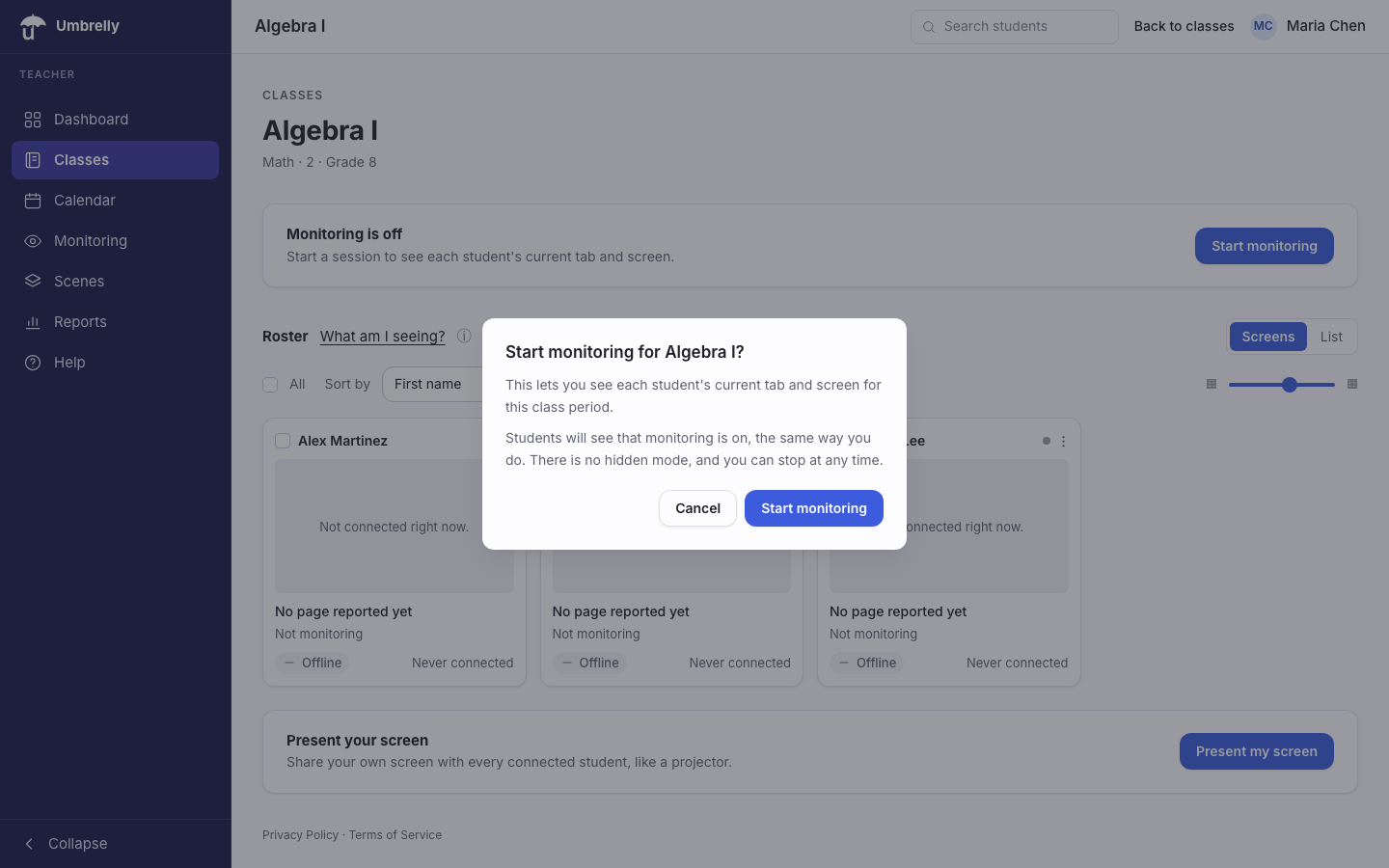
- 1The teacher console: starting a session, the live grid, and the actions a teacher takes in one gesture.
- 2The student status page: what the student sees while monitoring is on, and the plain-language list of what is and is not collected.
- 3The family summary on a phone, and how it avoids browsing history and threat language.
- 4Admin policies, roster sync, retention windows, and the district compliance gate.